MXa
30 fps · no VPN · runs in a browser too

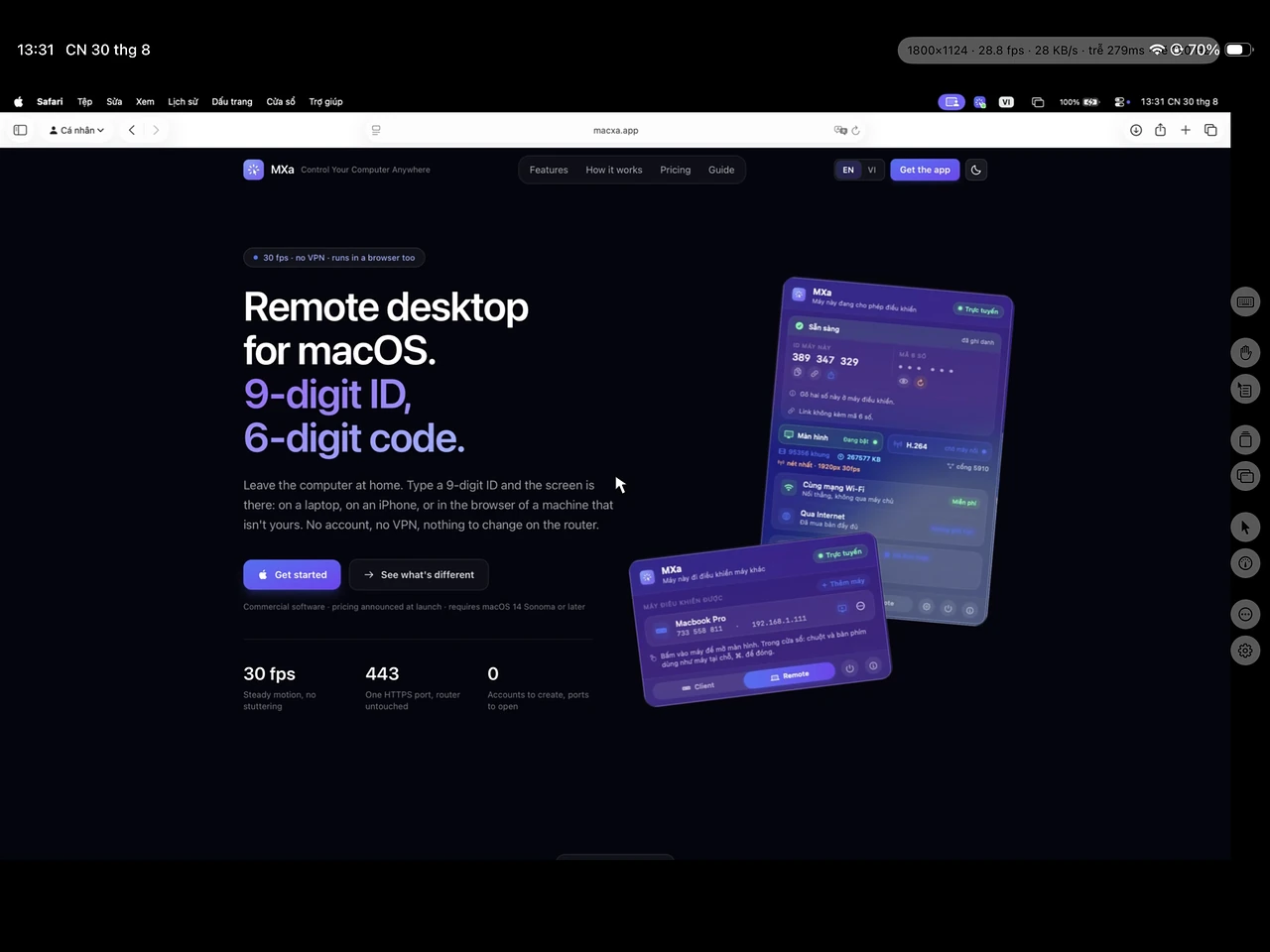
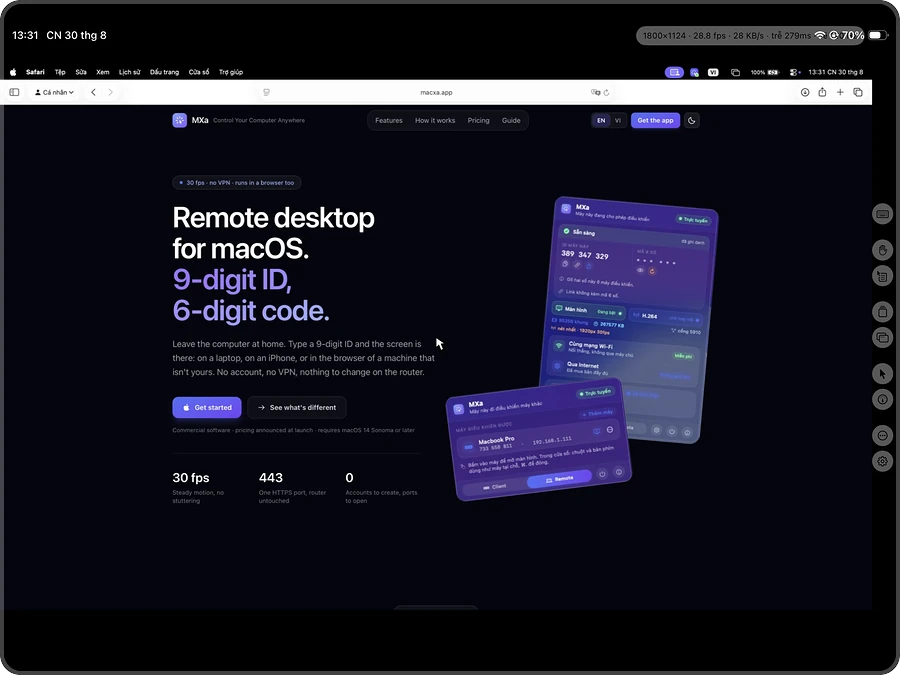
Remote desktop for macOS.
9‑digit ID, 6‑digit code.

Leave the computer at home. Type a 9-digit ID and the screen is there: on a laptop, on an iPhone, or in the browser of a machine that isn't yours. No account, no VPN, nothing to change on the router.

Commercial software · pricing announced at launch · requires macOS 14 Sonoma or later

30 fps
Steady motion, no stuttering
443
One HTTPS port, router untouched
0
Accounts to create, ports to open
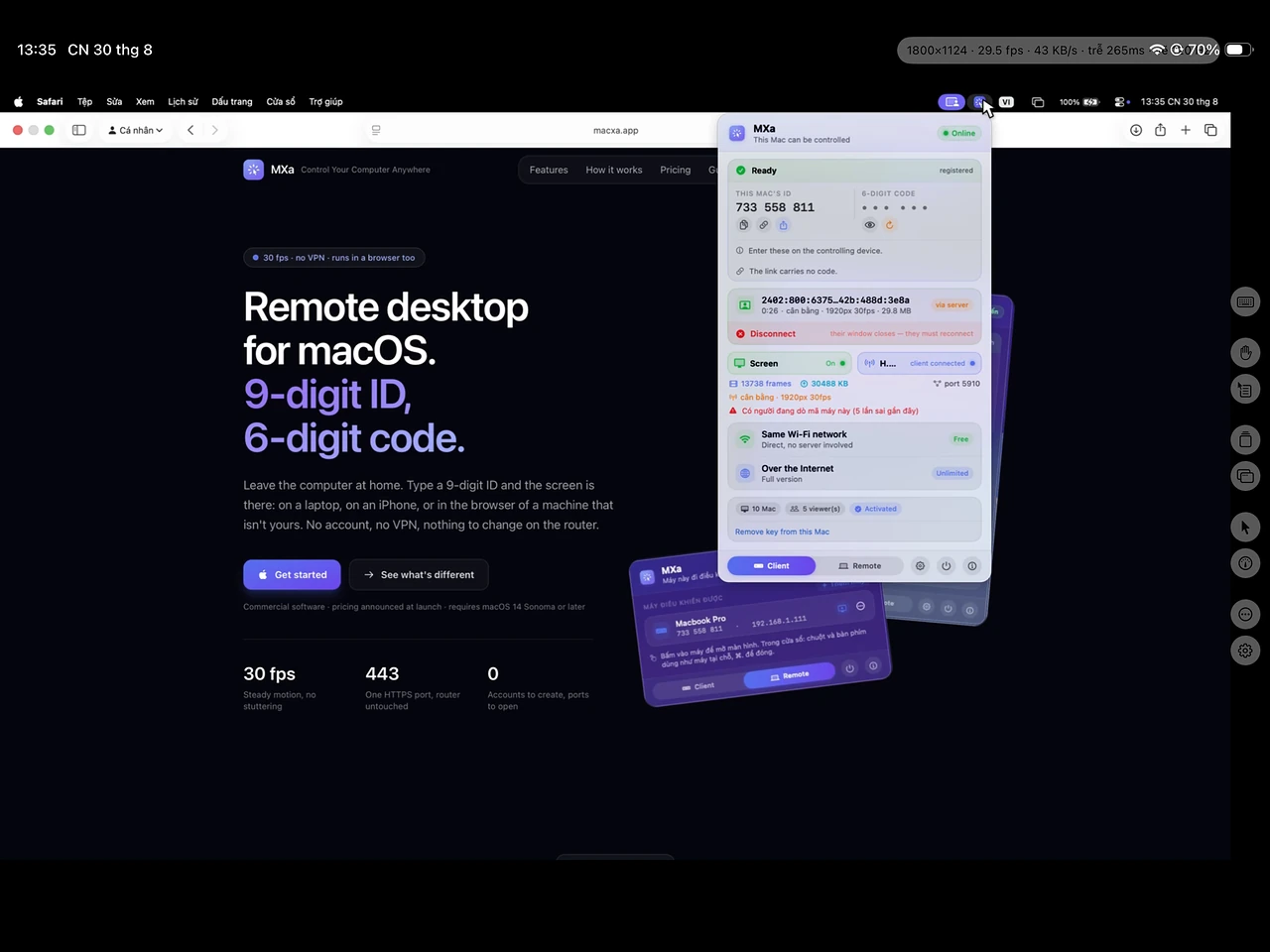
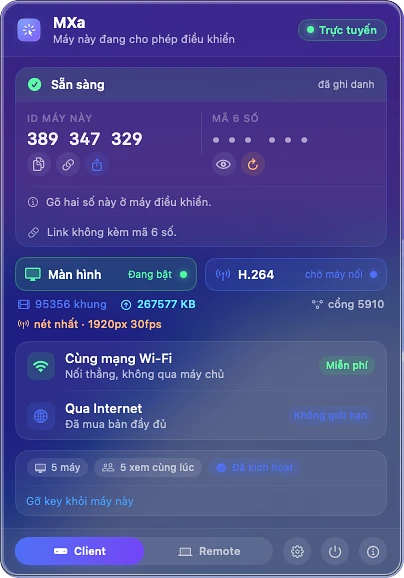
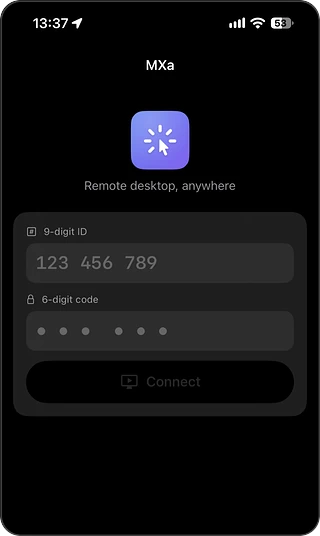
The MXa menu bar panel in Client mode
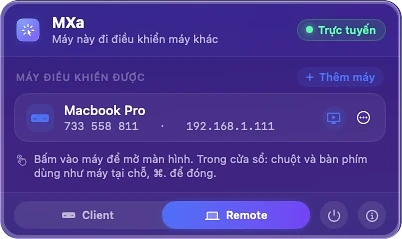
The MXa menu bar panel in Remote mode, listing saved machines
What's different

Direct link, blind relay

Most remote software pushes the picture through the cloud of whoever built it. Here your two machines shake hands and send straight to each other. The meeting point in between only moves bytes, and it has no key to open them.

While it sleeps

Reach the computer even while it sleeps

A sleeping computer drops its connection. Wake-on-LAN can't cross your ISP's router. Most remote software stops there. Your computer schedules its own wake-ups in hardware. Every few minutes it checks for a caller, then sleeps again after eight seconds if there isn't one. Call while it's asleep and you wait in a queue that tells you when it comes back.
No account

No back door

The other tools all ship a vendor console. Whoever takes over that account reaches your computer. MXa has no such door. No account, no email, no password to lose.

Nothing installed

Works from a borrowed machine, in the browser

The shared box at the office is somewhere you can't install software. Open Chrome or Safari, go to the remote page, type the ID and the code, and your computer's screen is there. Same end-to-end encryption. Close the tab and nothing stays behind.

Features

H.264 at 30 fps, mouse, keyboard, clipboard

Picture, mouse, keyboard and clipboard come with the app. Nothing extra to install, no service to sign up for.

30 fpsvideo encoded on Apple silicon

H.264 video at 30 fps

The computer's hardware encoder (VideoToolbox) puts out 30 frames a second. When the link narrows the bit rate comes down with it, so the picture softens for a beat and then sharpens again. Between keyframes the link carries only what changed, so reading a document costs almost no bandwidth. A sharp 1920-pixel-wide picture needs around 8 Mbps.

No VPN, no router ports

The computer at home registers with the meeting point over HTTPS and waits there. On the same network the two machines connect directly. Further apart, they go through port 443 and the traffic looks like HTTPS. You never have to pick the route.

End-to-end encryption, keys stay put

The 6-digit code never crosses the wire. Both ends prove they know it with an HMAC over a fresh random challenge. Session keys are derived from that, mixed with an X25519 ECDH secret the server holds no part of. Video and input then travel wrapped in authenticated ChaChaPoly.

A 9-digit ID and a 6-digit code

A machine signs with Ed25519 to claim its ID, so nobody can pose as your computer. The ID is issued once and stays with that machine for good. The last digit is a checksum, so a typo is caught on the spot, before anything is sent anywhere.

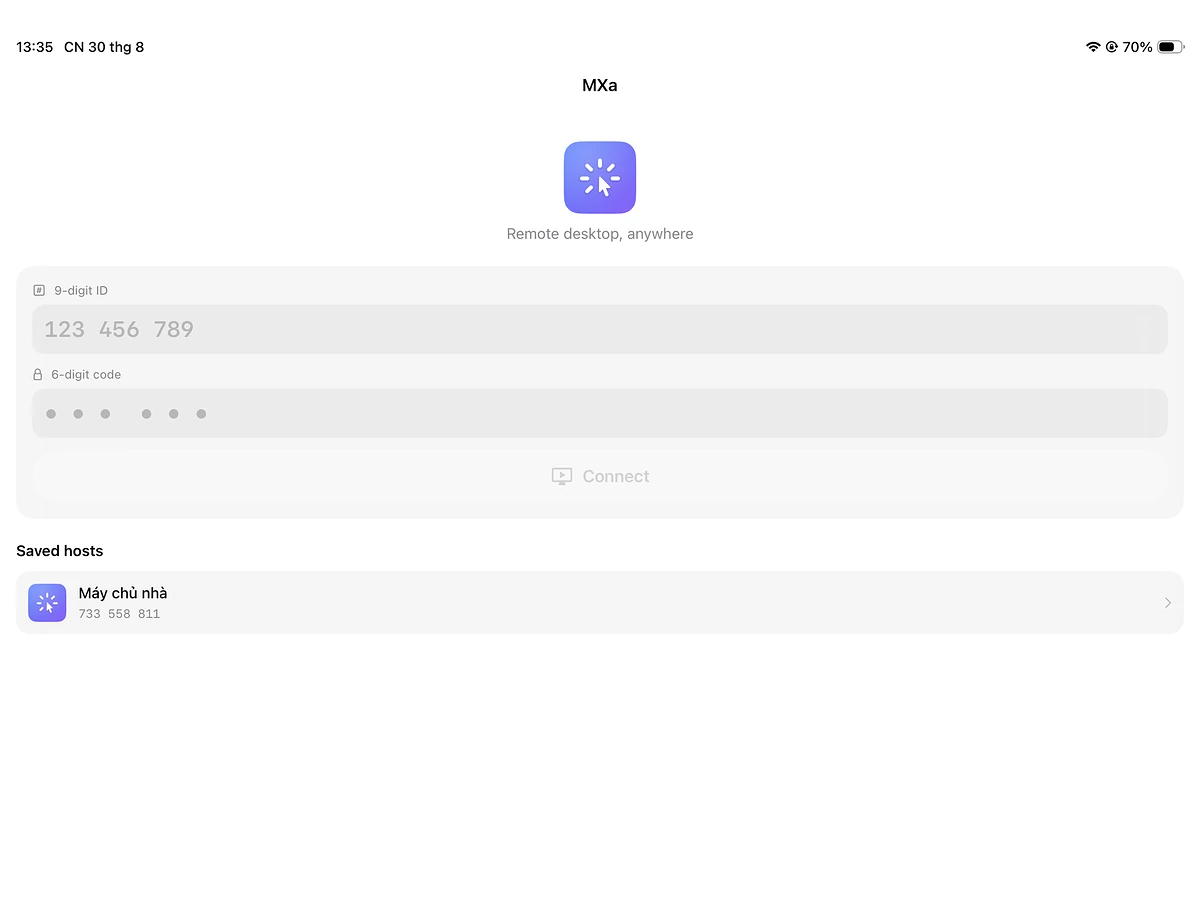
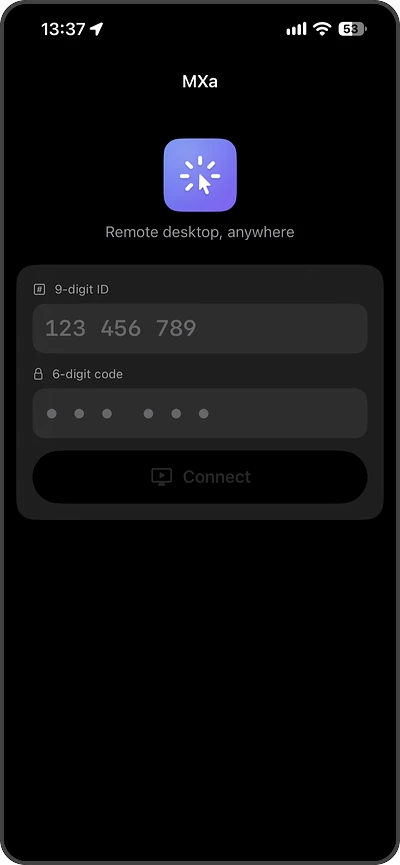
Drive it from an iPhone or iPad

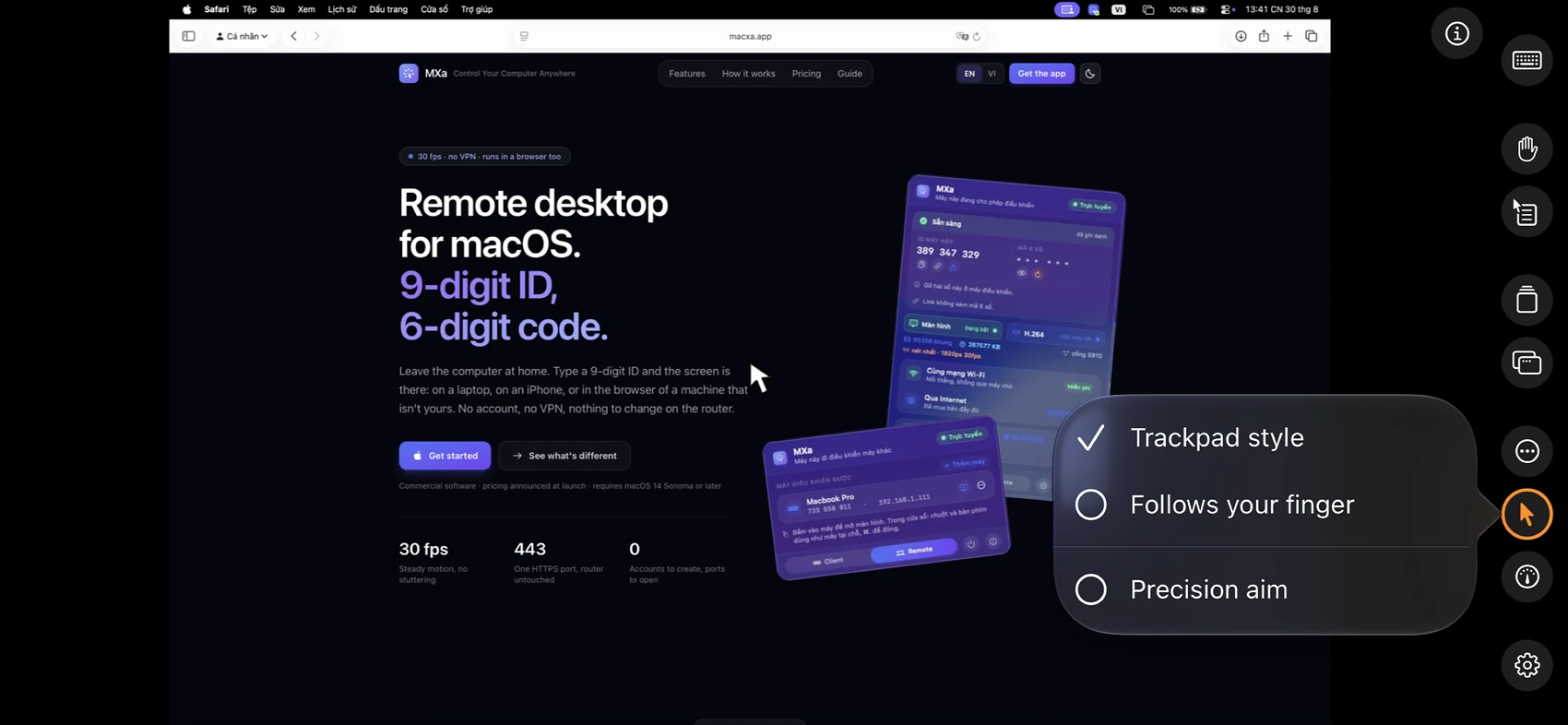
Full gestures, and the pointer lands exactly where you touched. A row of macOS shortcuts sits on the on-screen keyboard, so you don't have to hunt for them mid-session.

Nothing to install

Control your computer from a browser

Some machines you can't install anything on, like the shared computer at the office. Open Chrome or Safari, go to the remote page, type the 9-digit ID and then the 6-digit code. Your computer's screen appears right there in the tab.

Open the remote page

The page asks for the 9-digit ID, then the 6-digit code. The code is always typed by hand and never travels inside a link.

remote.macxa.app
  • Any computer will do

    Windows, Linux, or an unfamiliar computer all work. The only requirement is a reasonably recent browser.

  • The same encryption, unchanged

    Same handshake, same session keys, same ChaChaPoly as the app. The 6-digit code never crosses the wire, and the meeting point still can't read a thing.

  • There's no account to leave behind

    You never create one, so there's nothing to sign out of and nothing to uninstall. The machine you borrowed keeps no trace of you.

A browser can't open a direct connection, so the browser build always goes via the meeting point and every session counts against the free time allowance. It needs a browser with WebCodecs (Chrome, Edge, or Safari 16.4 and later) and a computer encoding in H.264.

Send a file

Send a large file to any device

  • Windows
  • macOS
  • Linux
  • iPhone
  • iPad
  • Android

Everything runs in the browser, so Windows, macOS, Linux, iPhone, iPad and Android all work. No account, no install, and nothing is stored on our server.

Open sendxa.app

The bytes go straight from one machine to the other. No size limit, and no waiting for an upload to finish.

Computer → computer

Computer → phone

Phone → computer

Phone → phone

The page on the sending machine has to stay open until the other side finishes. There is no copy on a server to carry on from.

Licence

Free on LAN, metered over the internet

On your own network there is no limit at all. Over the internet the free tier has a time allowance, and a licence removes it. No ads, no data collection, no email asked for.

Free forever

No expiry date, and not a trial

$0

Free

On your own network: use it as much as you like

Two machines on the same Wi-Fi talk straight to each other, with no server in the middle. We carry none of that traffic, so there is nothing for us to meter. What costs us money is the long-distance case, and an H.264 stream packs down small enough to keep that cheaper than it sounds.

Includes:

  • On the same Wi-Fi: NO time limit, no limit on sessions
  • Over the internet: 15 minutes per session, 60 minutes a day
  • Every feature: H.264 video, mouse, keyboard, clipboard, multiple displays

Buy once, keep it

One payment, one computer · 30-day refund

$29

MXa licence

Includes:

  • Lifts every time limit on remote control over the internet
  • Covers both roles: the computer being controlled and the one controlling it
  • The iPhone and iPad app is free, nothing more to buy

Not on sale online yet. Send us a line and we'll write back once there is somewhere to buy it. Nothing else lands in your inbox.

Install and first connection

Install the app on the host at home and give it a role. At the other end, type the two numbers, from the app or from a browser. Nothing to disclose about yourself.